Give clients time to plan
A reminder brings the date and time back to mind before a busy day gets in the way.
Create three English reminder messages for an appointment. Copy the wording you prefer and adapt it before sending.
Open free toolFree to use · No registration required
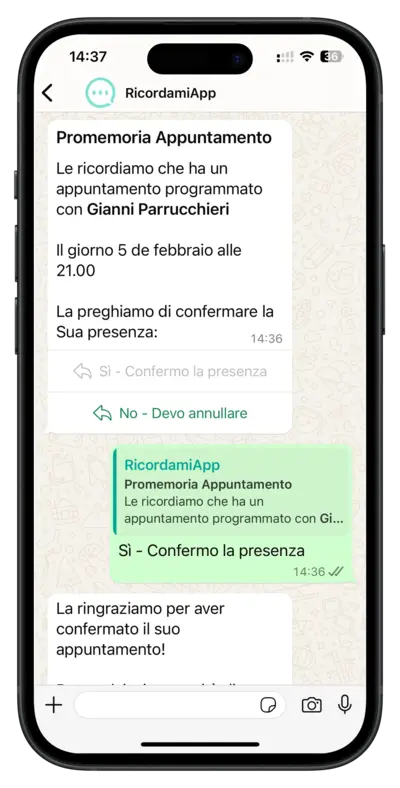
This tool only writes the text. It does not send messages or schedule reminders. To send reminders automatically before every appointment, use RecordarApp.
Browse ready-to-copy message examplesA reminder brings the date and time back to mind before a busy day gets in the way.
Tell clients how to confirm or cancel, so you have time to offer a free slot to someone else.
Start with a reusable message and check the name, date and time before sending.
No. It creates three message options for you to copy. RecordarApp can schedule and send reminders automatically when you add your appointments.
Yes. Edit the generated text before sending it. Check the appointment details and keep only the information the client needs.
No account is needed for this free tool. Generation limits apply.
Yes. Include a clear request to reply. With RecordarApp confirmation reminders, clients can use Confirm and Cancel buttons and the appointment status updates automatically.
Add your appointments to RecordarApp and choose when the reminders go out. The messages are sent automatically before each visit.
Start free trial14-day trial · No credit card required