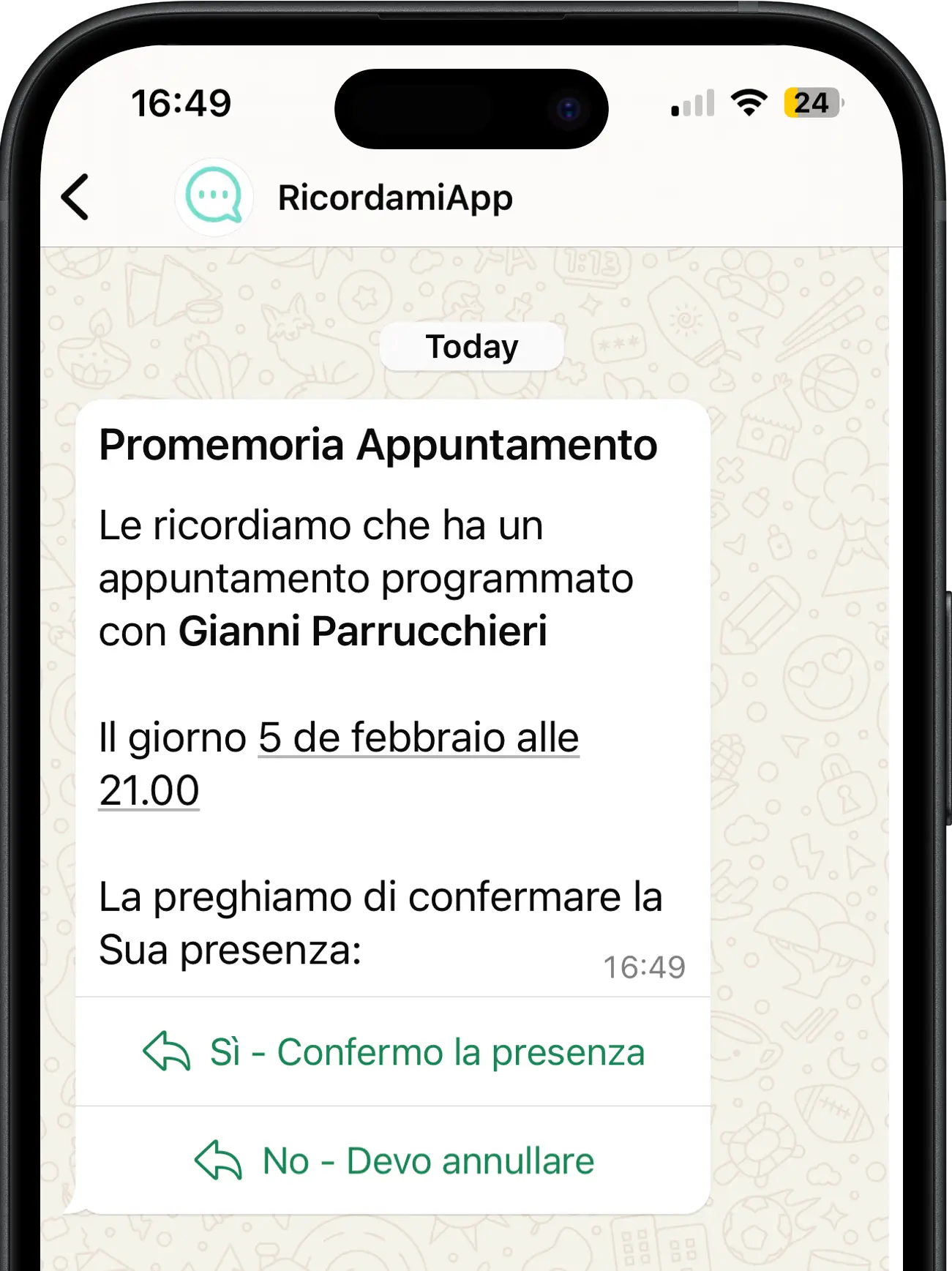
Vehicle servicing, equipment checks, follow-up visits or document deadlines: when you know the next date, add it to your calendar with the client's phone number. RecordarApp sends a WhatsApp reminder at the time you choose.
Give clients time to reply and arrange their next visit before the last-minute rush.
Start free trial14 days · No credit card required
Choose how far ahead to remind
Client replies reach you
Works with Google Calendar
A client leaves your workshop or practice. You already know when their next service, check or follow-up is due, but that date can easily get lost once the visit is over.
Months pass and the client forgets. They may call at the last minute when your schedule is full, or leave the next visit until much later.
Record the next date and the client's number when you finish the job. Set the message and timing, and RecordarApp sends the reminder for you.
The WhatsApp reminder goes out before the date, according to your settings
SMS fallback can deliver the reminder when WhatsApp cannot
Client replies reach you so you can arrange a suitable appointment
How it works
Record the date, schedule the message, and help your client take the next step.
The deadline
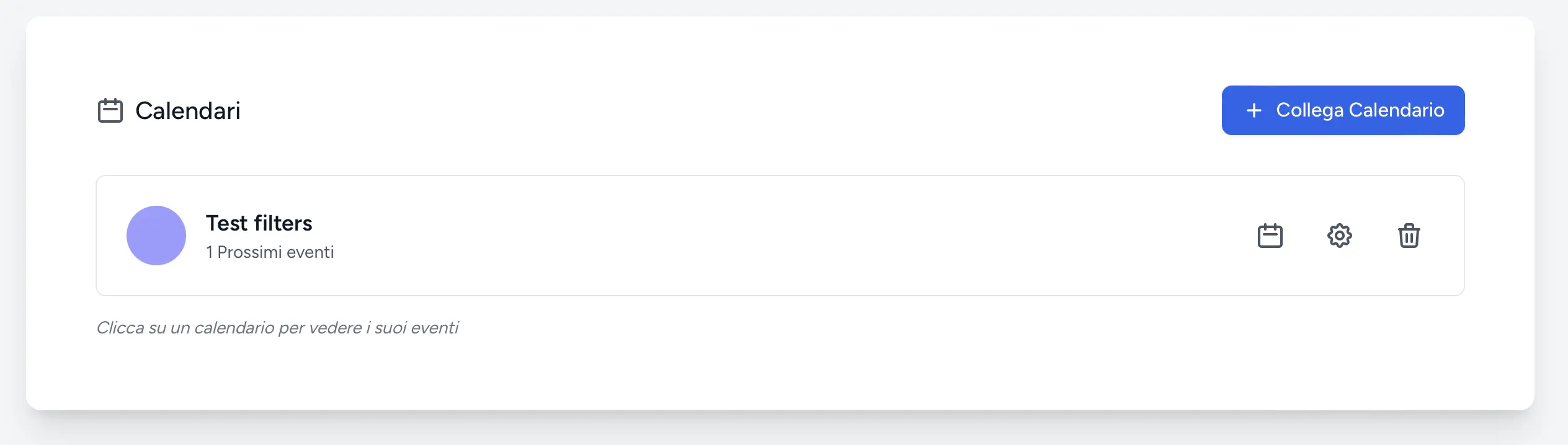
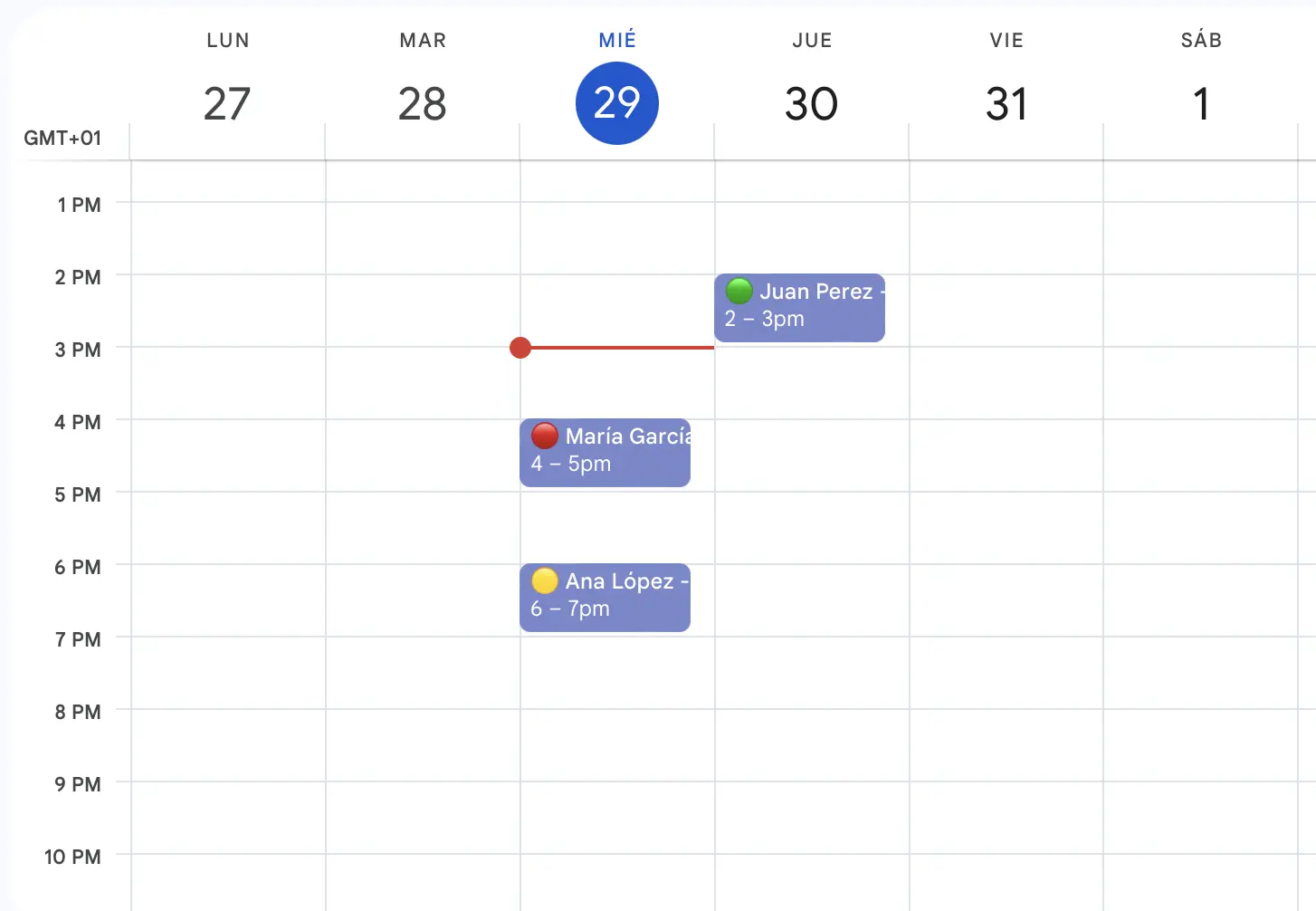
Create an event in Google Calendar, or directly in RecordarApp, for the next due date. Include the client's name and international phone number. For example: Car service - Alex Morgan +44 7700 900123
That's the whole job. The date sits in the calendar you already use until the reminder goes out.
The reminder
Choose the lead time in your reminder settings. You can use more than one alert for the same date, such as a week before and two days before. Each sent message uses one reminder from your allowance.
Say what's due and what to do next: "Your service is due on 30 September. Reply here to book a time." RecordarApp adds your business name and sends it.
The next appointment
When a client replies, you receive their message and can agree a suitable time. A reply does not create a booking automatically: add the appointment once you have agreed the details.
If you have enabled your online booking page, include its link in the message. Clients can choose an available date and time themselves, and the booking appears in your schedule.
Use cases
If your work involves services, renewals or follow-ups with a known date, schedule a reminder while the details are still fresh.
Garages and vehicle services
Log the next service or inspection date before the car leaves the workshop. The client hears from you a few weeks ahead, while your diary still has room.
Tyre services
Remind clients to book their seasonal changeover before the first cold week, instead of fielding forty calls in the same three days.
Boiler and equipment maintenance
Annual service due in October? The reminder goes out in September, before every other engineer's phone starts ringing.
Veterinary practices
Vaccination boosters, dental checks and post-op follow-ups: set the date at checkout and the owner gets a reminder when it's time.
Accountants and advisers
Tax filings, quarterly returns and document handovers. Tell clients what to prepare and by when, without a round of chasing emails.
Contracts and renewals
Insurance renewals, certificates, subscriptions and service plans: record the date and the client's number, and the reminder takes care of itself.
Why WhatsApp
An email about a service due in three months gets filed and forgotten. A WhatsApp message gets read, and the client can reply "Thursday?" in the same thread.
RecordarApp sends it for you at the time you set. If WhatsApp can't deliver, SMS fallback can send it as a text message where available.
You can still handle replies by email: client messages can be forwarded to your inbox for follow-up.
Filed and forgotten
📞 Phone call
One call per client
Sent for you, answered in place
Add it to your calendar today. Set the reminder once and let RecordarApp send it when the date approaches.
14 days · No credit card required
It sends a message ahead of a date you supply. With RecordarApp, the reminder goes to your client on WhatsApp with your business name. You choose the date, the wording and the lead time.
Yes. Create an event for the due date with the client's phone number and write a payment reminder. RecordarApp sends the message; invoicing, payment collection and payment status stay in your existing system.
Choose the lead time in your reminder settings. You can set several alerts for the same date, for example a week before and two days before. Each alert counts towards your reminder allowance.
For a date months away, WhatsApp. It gets read, and the client can reply in the same thread to book. Use email when you need to attach documents or keep a formal record. RecordarApp sends the reminder on WhatsApp, with SMS fallback where available, and can forward replies to your inbox.
No. Use Google Calendar for the dates or create events directly in RecordarApp. Team and Business plans also support Excel/CSV import. Check the imported dates, times and phone numbers before sending.
SMS fallback can send a reminder when WhatsApp cannot deliver it. Contact our team to check availability in your country.
Start with a 14-day free trial, no credit card required. Add your first dates and test a reminder with your own number. See the pricing page for subscription options and reminder allowances.